An IPTV vs satellite comparison starts with your own home: the broadband you have, the equipment already installed and the way your household watches television. Cable adds another option, with availability and installation arrangements that depend on your address. This guide explains how to compare the full cost and daily experience, so you can choose an IPTV subscription or another television setup that fits your routine.
IPTV vs satellite: what changes in your home?
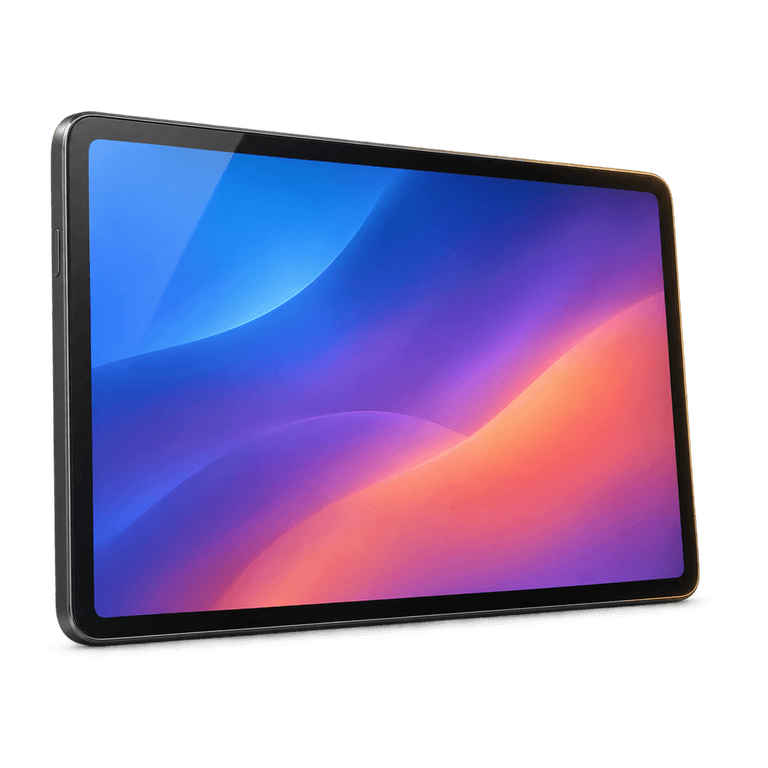
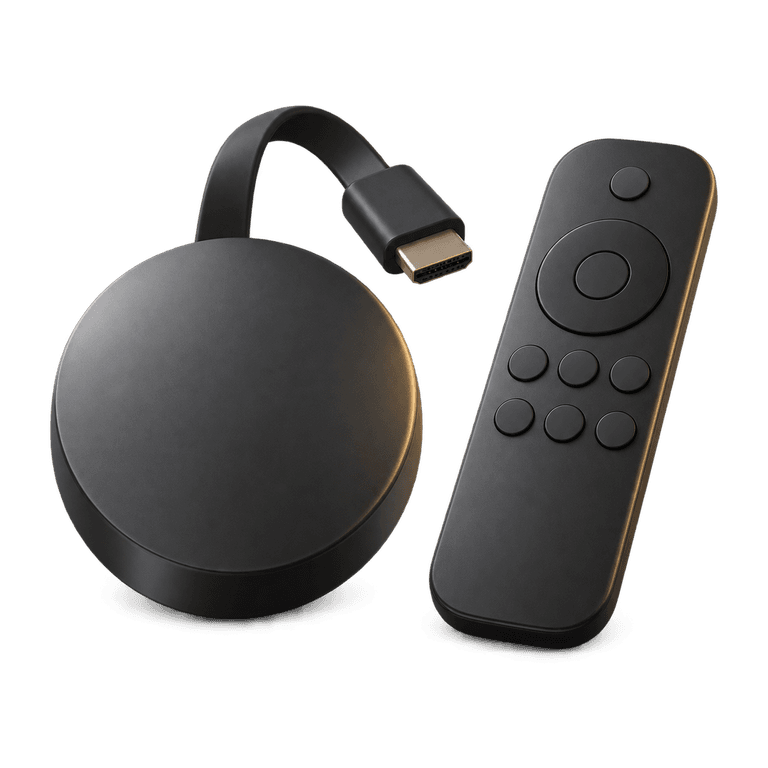
IPTV delivers television through an internet connection. You use a compatible television, streaming device, set-top box, phone or computer to open a player and watch. There is no satellite dish involved in receiving the IPTV stream, although you still need suitable broadband and a reliable connection to the viewing device.
Satellite television receives its broadcast signal through a dish and a compatible receiver. If a suitable dish and cabling are already present, you may need less installation work than a property starting without that equipment. An installer can assess the existing setup and explain what needs attention.
Cable television uses a connection to the provider's network. Availability and any work needed inside your home depend on the address and the service. Some television packages combine broadcast delivery with internet features, so ask how the package you are considering handles everyday viewing and on-demand programmes.
Match the delivery method to your circumstances
- In a rented home, check what you can install or alter before booking equipment work.
- In a home with unreliable broadband, investigate the connection before choosing internet-based viewing.
- With existing television equipment, ask whether it is compatible and whether you own it.
- If you mainly watch on a phone or computer, check the exact device support rather than judging only the living-room experience.
Compare the whole cost over the same period
A headline monthly price does not explain the full expense. Choose a comparison period, such as twelve months, and add every charge that applies to your household.
For a satellite or cable quote, ask about installation, equipment, minimum contract length, introductory terms and the price after any promotion. These vary by package. Also check whether changing television services would alter the cost of a bundled broadband or telephone service.
For IPTV, include the subscription, any compatible device you need and any broadband improvement required. A lower television payment may not help if you also need to replace equipment or upgrade an unsuitable connection.
Ireland IPTV has three plans, each paid once with no contract:
- Three months for £30.
- Six months for £40.
- Twelve months for £60.
The twelve-month payment works out at £5 per month for comparison purposes, with the £60 paid upfront. The six and twelve-month plans include IB Player Pro activation. When comparing quotes, note whether player activation is included in the stated price so you can compare the complete setup cost.
For customers budgeting in euro, the plans are listed here in pounds. Check the amount presented at payment and any currency conversion charges that your payment method may apply.
Use a short comparison worksheet
- Write down each option's total cost for the same period.
- Add equipment and installation separately.
- Record any commitment, cancellation notice or equipment return requirements.
- Note whether a broadband bundle would change.
- Compare the total with the programmes and devices you actually use.
Think about installation and everyday convenience
IPTV setup involves installing a player and configuring access on a compatible device. Read through the steps before buying, especially if somebody else in the household will manage the television. Knowing who will handle installation makes the first evening easier.
For our IB Player Pro setup, install the app and send us the MAC address and device key shown inside it. We then upload the playlist for you. Payment and order details arrive by email and WhatsApp, usually within five minutes to two hours of ordering on the website. Keep the order information handy if you need help with installation.
Satellite and cable installations may involve an appointment, cabling or a receiver, depending on what is already present and the chosen package. Ask where the equipment will sit and how it will connect to the television. These details matter when a room has limited sockets or awkward cable routes.
Daily use deserves equal attention. Think about reading the programme guide, finding favourites, changing channels and explaining the remote control to other household members. A comfortable routine can matter more than a long feature list.
Check broadband before choosing picture quality
IPTV shares your internet connection with other household activity. Downloads, video calls and other viewing can affect the bandwidth available at the television. Wi-Fi coverage in that room also matters, even when the broadband package looks adequate on paper.
Before you buy IPTV, test the connection near the intended device during your usual viewing hours. If possible, compare Wi-Fi with Ethernet. A wired comparison helps you see whether improving wireless coverage would make a difference before spending money on faster broadband.
We offer HD, Full HD and 4K where available, with anti-freeze servers designed to reduce buffering. Picture quality depends on the source, device and connection working well together. Read our guide to internet speed for IPTV for a practical way to assess your setup.
Compare the features your household will use
Start with a short viewing list. Include the countries, languages and types of programmes you enjoy, rather than judging a package by the length of its catalogue.
Ireland IPTV serves customers in Ireland and the UK, with UK, Irish and worldwide channels, plus films and series on demand. The channel list is customisable, for example to English only or the countries you watch. EPG and catch-up are available on supported channels.
If you are considering UK IPTV alongside satellite or cable, focus on the programmes and features your household uses most. Ask about catch-up support for your favourites and the picture quality available on your chosen device. If you want different rooms watching at once, check the simultaneous connection allowance as part of your comparison.
Frequently asked questions
Is IPTV always cheaper than satellite or cable?
No single answer fits every household. Compare the subscription, equipment, installation and any effect on a broadband bundle over the same period. Existing equipment and contract commitments can change the result.
Do I need a dish to use IPTV?
IPTV uses your internet connection, so a dish is not required to receive its streams. You need a compatible viewing device, a suitable player and a stable connection. Satellite equipment serves a different reception method.
How can I compare the features of my current package?
List the programmes, guide features and viewing habits your household relies on, then check them against the package you are considering. Include catch-up support, device compatibility and simultaneous viewing needs. This gives you a useful comparison beyond the headline price.
What should I check before changing an existing package?
Ask your current provider about the remaining commitment, any notice needed and whether equipment must be returned. Check how a change would affect bundled broadband or telephone services. Planning the timing helps you understand any overlap in payments and arrange installation comfortably.
Choose the setup that suits your home
Once you have compared the costs and everyday experience, see our plans to choose a duration that suits your household. The installation guide walks you through getting ready, and our 24/7 email support is there when you need help.