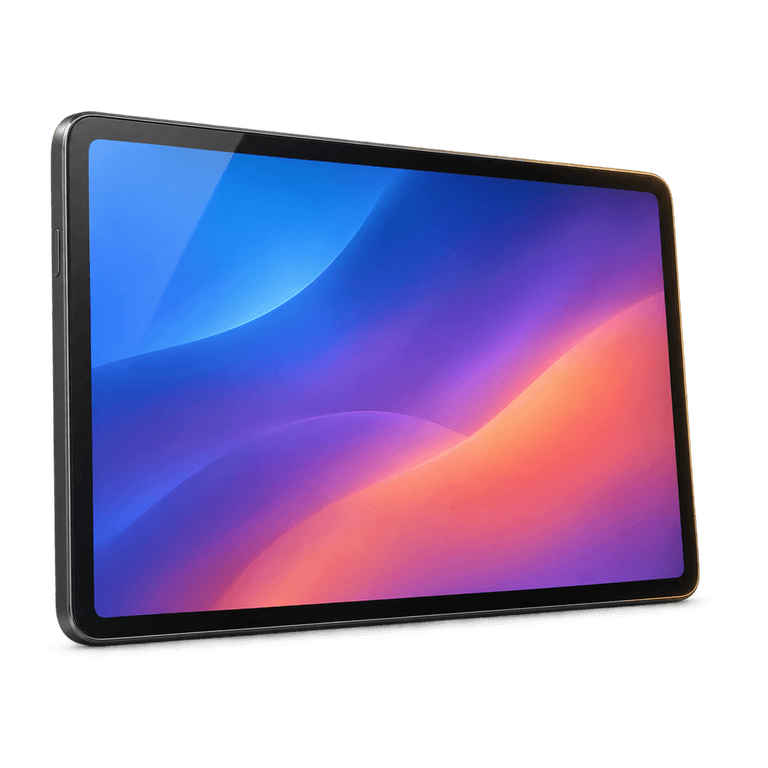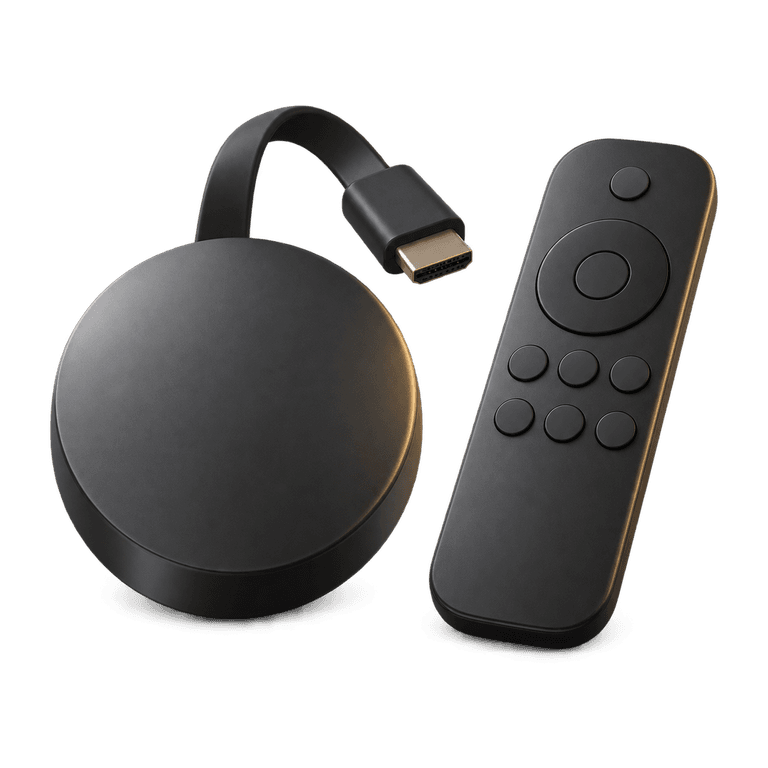
Watching live sport with IPTV should feel like settling in for the action, with your channel ready and the remote within reach. Football, rugby, hurling and a long afternoon of golf all ask something different of your viewing routine. A useful setup combines a suitable device, a steady connection and a channel list you can navigate quickly. A little preparation helps you spend more time following the play and less time searching through menus.
Plan your live sport viewing before match day
Start with your viewing habits. Write down the sports you follow, when you usually watch and which screen you prefer. Someone watching tennis occasionally on a laptop has different needs from a household gathering around the television for rugby internationals.
Before you buy IPTV, ask about the specific coverage that matters to you. Start with your regular sports, then confirm the channels carrying the events you follow. Checking schedules, picture quality and catch-up support gives you a clear idea of how the service fits your viewing.
Use a short checklist:
- Confirm the channels relevant to the events you want to follow.
- Check that your chosen device and player can use the service.
- Ask whether an electronic programme guide is available for those channels.
- Check catch-up support if you may miss the live start.
- Understand the plan length and setup process before paying.
Keep those answers somewhere accessible. They give you a clearer basis for choosing an IPTV subscription than a long list of unfamiliar channel names.
Prepare for the sports you follow
Football, rugby and Gaelic games
For live football and rugby, find the relevant channel before kick-off. Check the guide entry, but allow for schedule changes and coverage that begins before play. Saving the channel as a favourite, where your player supports it, makes returning to it easier.
Hurling, camogie and Gaelic football benefit from the same preparation. Make a note of the coverage you follow and find its place in the schedule. If several events overlap, decide which you want to watch live and check whether the others have catch-up support.
Boxing and motorsport
Boxing programmes can run for a long time, and individual bouts may start later than expected. Check the full programme window and give yourself some flexibility around an estimated start time. If you plan to watch later, check catch-up support for that channel in advance.
For motorsport, identify the session you want, such as practice, qualifying or the race itself. Check each session separately in the guide. Similar programme descriptions can otherwise make it easy to open the wrong coverage.
Golf and tennis
Golf and tennis often involve extended viewing sessions. Start with a comfortable picture setting that plays consistently on your connection, then increase quality if the channel offers it and playback remains stable.
Check the schedule again on the day. Weather and the length of earlier play can affect timings, so leave a little flexibility in your plans. Keep the relevant channel close at hand if play moves beyond the original programme slot.
Set up your device before the event
Set up your device well before play begins. Leave time to install the player, complete activation and learn the basic controls. A short test during a quiet evening is a useful way to get comfortable with the remote and menus.
Ireland IPTV works on popular devices including Amazon Firestick, Fire TV, Samsung and LG smart TVs, Android TV boxes, Apple TV, Windows PC and Mac. The menus and installation steps depend on the device, so follow the relevant instructions rather than copying steps from a different screen.
For the service setup process:
- Order on the website and check the payment and order details sent by email and WhatsApp, usually within 5 minutes to 2 hours.
- Install IB Player Pro using the instructions for your device.
- Send the MAC address and device key displayed in the app so the playlist can be uploaded.
- Open the list and test a channel before your planned viewing session.
- Check navigation, sound and the programme guide where supported.
On Amazon Firestick, install the Downloader app and enter code 2817724 to get IB Player Pro. Allow time for the remaining setup steps before settling down to watch.
Find a picture setting that plays smoothly
Ireland IPTV offers HD, Full HD and 4K where available. Choose the quality that suits both your screen and your connection. The source, channel and device also affect the available picture, so compare the options offered for the programme you are watching.
Try these adjustments if playback becomes uneven:
- Use a wired connection if your device supports one and the router is accessible.
- If using Wi-Fi, improve the device's position and reduce obstructions where practical.
- Pause large downloads and other heavy network activity during the event.
- Try a lower available picture quality before changing several player settings.
- Compare another channel to see whether the problem affects one stream or the wider setup.
Anti-freeze servers are designed to reduce buffering, but your home network still matters. Our guide to reducing IPTV buffering explains how to narrow down common causes.
After making a change, watch for a few minutes before adjusting something else. That gives you a clearer sense of whether it helped, especially during fast movement or a busy passage of play.
Keep the sports list easy to navigate
Your regular channels should be easy to find. With a customisable channel list, you can request English only or focus on the countries you watch. Start with your everyday choices and build a manageable list around them.
If you are comparing UK IPTV services, ask about organising the list around your regular viewing. Keep your essential channels together using favourites if your player provides them, and review the list when your viewing habits change.
The EPG, or electronic programme guide, shows schedule information where supplied. Catch-up lets you revisit programmes on supported channels, with availability and the accessible period varying by channel. Look for the programme in the guide when planning a later viewing session. Our EPG and catch-up guide explains how these tools work together.
Frequently asked questions
How can I check coverage for a particular event?
Ask about the specific fixture, session or programme before ordering, then check the schedule closer to the day. Naming the coverage you want makes it easier to confirm the relevant channel and plan your viewing.
Is 4K necessary for live sport?
No. A steady HD or Full HD picture can be a practical choice. Choose from the quality options available for the channel, taking your screen, device and connection into account.
Can I watch sport later with catch-up?
Catch-up is available on supported channels. Open the guide or catch-up area in your player and look for the programme you want. Check the available viewing period so you know when to make time for it.
Why do score alerts sometimes arrive before the action?
Live internet television can arrive later than another viewer's feed or a score notification. Silence sports alerts and group messages while you watch if you prefer to discover each moment on screen. Changing channels may not remove that difference.
Get ready for your next live event
Choose a subscription length that fits your viewing routine and see our plans when you are ready. Follow the installation guide to prepare your device and test your favourite channels ahead of the action. With the essentials in place, you can settle in and enjoy following the sport you love.