What is IPTV, and how would it fit into the way your household watches television? It delivers programmes through an internet connection. Instead of receiving a programme through a dish, aerial or cable connection, your device receives a stream of data and turns it into pictures and sound. For viewers in Ireland and the UK, getting started means choosing a screen, checking the connection and finding a subscription that suits everyday viewing.
Understanding those basics makes shopping less confusing. It also helps you separate what your subscription provides from the jobs handled by your media player, television and home network.
What is IPTV and what do you need?
IPTV stands for internet protocol television. The term describes a way of delivering television, rather than a particular device or app. A small streaming device, a smart TV or a phone can all be used to receive it with suitable software.
There are three main parts to a working setup:
- An internet connection: your broadband or mobile connection carries the stream to your device.
- A compatible player: an app organises the playlist and plays the selected programme.
- An IPTV subscription: this supplies access to the service and its viewing options.
The player brings your viewing options together on screen, while the subscription supplies access. When a plan includes player activation, you still install the software on your chosen device. Keeping those two jobs clear makes the setup process much easier to follow.
Live viewing and programmes on demand
Live television follows a schedule. You choose a channel and watch the programme currently being transmitted. On-demand viewing lets you select a film or series from the available library and start it when you want.
Catch-up is another feature, providing access to earlier programmes on supported channels. It is separate from the on-demand library, and availability should be checked for the programmes you actually watch.
Channels, picture quality and programme information
Ireland IPTV serves customers in Ireland and the UK with UK, Irish and worldwide channels, plus films and series on demand. Picture options include HD, Full HD and 4K where available. The available stream, your device, your display and your connection all affect the result you see.
The service includes an electronic programme guide, usually shortened to EPG, and catch-up on supported channels. Use the guide to browse schedules, then look for catch-up options on the channel you want to revisit.
You can also request a customisable channel list. For example, an English-only list or a selection limited to the countries you watch may make browsing easier. Think about the languages and categories your household uses before asking for a list.
Anti-freeze servers are designed to reduce buffering. Playback can still be affected by a weak Wi-Fi signal, a busy home connection, device limitations or a problem with an individual stream.
Choose a device you already understand
Start with the screen you use most. A television and remote control may suit evening viewing, while an iPad or laptop may be more convenient elsewhere at home.
Supported device types include:
- Amazon Firestick and Fire TV.
- Samsung and LG smart TVs.
- Android TV boxes, Google TV and Chromecast with Google TV.
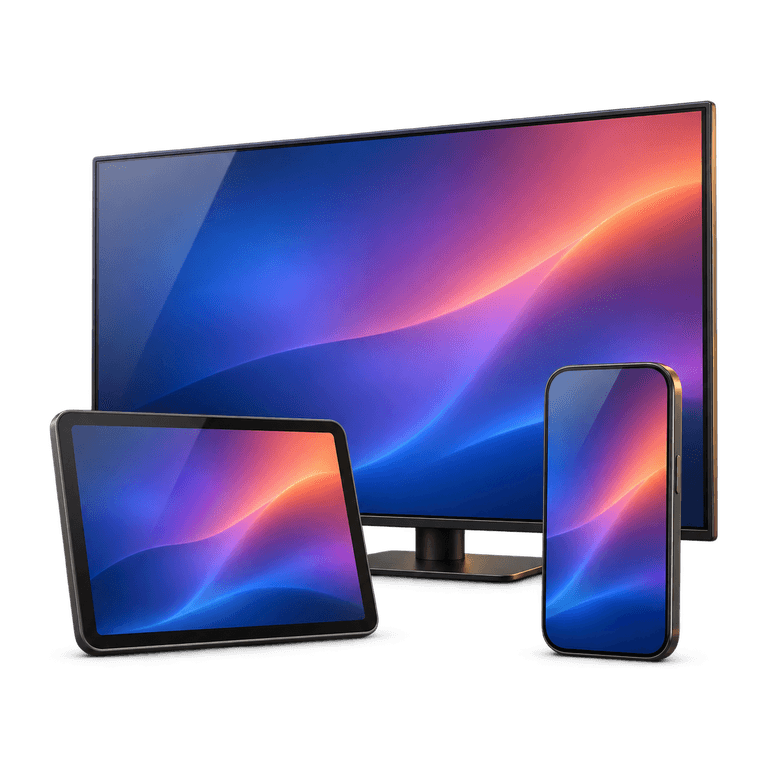
- Android phones, iPhone and iPad.
- Apple TV and MAG boxes.
- Windows PC and Mac.
Check the installation route for your exact model before buying new hardware. Your device's software version and app store help determine which player you can install. The model details are usually listed in its settings, and having them handy makes it easier to follow the right instructions.
For a television with a compatible streaming device attached, the player runs on that device. The television displays its picture through the selected input. For a smart TV installation, the player runs on the television itself.
If you already own a streaming stick, our guide to IPTV on Firestick explains that setup in detail.
How ordering and setup work
Prepare your device and check the relevant instructions before placing an order. This gives you time to confirm app availability and ask questions about compatibility.
The ordering process is:
- Choose a plan and order on the website.
- Receive payment and order details by email and WhatsApp, usually within 5 minutes to 2 hours.
- Install IB Player Pro on your compatible device using the relevant setup instructions.
- Open the app and find the MAC address and device key shown there.
- Send those details to us so we can upload your playlist.
Use the identifiers displayed inside the app, as these identify your player installation. Your router or television's network settings may show a different address. A clear photo or carefully copied text helps keep the details accurate.
The service works with M3U playlists and Xtream Codes login. These are ways for compatible players to receive subscription information. For the playlist upload process, follow the player steps above. Support can help you choose the right route if your device presents different options.
Check your connection before you buy IPTV
A broadband package's advertised speed does not describe every room in your home. The useful measurement is the connection available at the device while you are likely to watch.
Try these practical checks:
- Test the connection beside the television, rather than beside the router.
- Notice whether large downloads or other household activity coincide with interruptions.
- Move the router into an open position if furniture or thick walls obstruct the signal.
- Consider an Ethernet connection where the equipment supports it.
- Start with HD if a higher-quality stream struggles.
Picture quality and stability are linked. A lower-resolution stream can be a sensible choice when the connection is variable, even if your television supports 4K. Try watching from your usual seat during a typical evening to see how the connection handles everyday household use.
Compare the subscription with your viewing habits
Ireland IPTV plans use one-off payments with no contracts: 3 months costs £30, 6 months costs £40, and 12 months costs £60. The 6 and 12 month plans include a free premium media player app through IB Player Pro activation.
Choose a duration you are comfortable paying for upfront. If you are comparing UK IPTV services, write down your device, preferred languages and the features that matter to you. If your household wants to watch on different screens at the same time, ask support about the setup requirements before ordering.
Email support is available 24/7. When asking for help, include your device model and a clear description of the problem. Specific information is more useful than simply reporting that the television is not working.
Frequently asked questions
Is IPTV the same thing as a media player?
No. IPTV describes television delivered over an internet connection. A media player is the software used to access and play it. A player installation and an active subscription are separate parts of the setup.
Do I need a smart TV?
No. A compatible streaming device can connect to a suitable television, while supported phones, tablets and computers provide other viewing options. Check your chosen device and its installation route before ordering.
Does every channel have 4K and catch-up?
Picture quality options vary by stream, and catch-up is available on supported channels. Check the options for your favourite programmes so you know how you can watch them and which picture settings are available.
Can I try a free trial before ordering?
We do not offer a free trial. Before buying, confirm device compatibility, the player installation route, your preferred channel list and the plan's upfront cost. Ask support about anything you need clarified before paying.
Find a setup that suits your household
Start with the screen you enjoy using and the programmes you want to watch. When you are ready to choose an IPTV subscription, see our plans for the available durations. The installation guide walks you through preparing your device and connecting your player.